Putting AI back in Anki. Because making flashcards by hand was never high-yield.
Why Nb41?
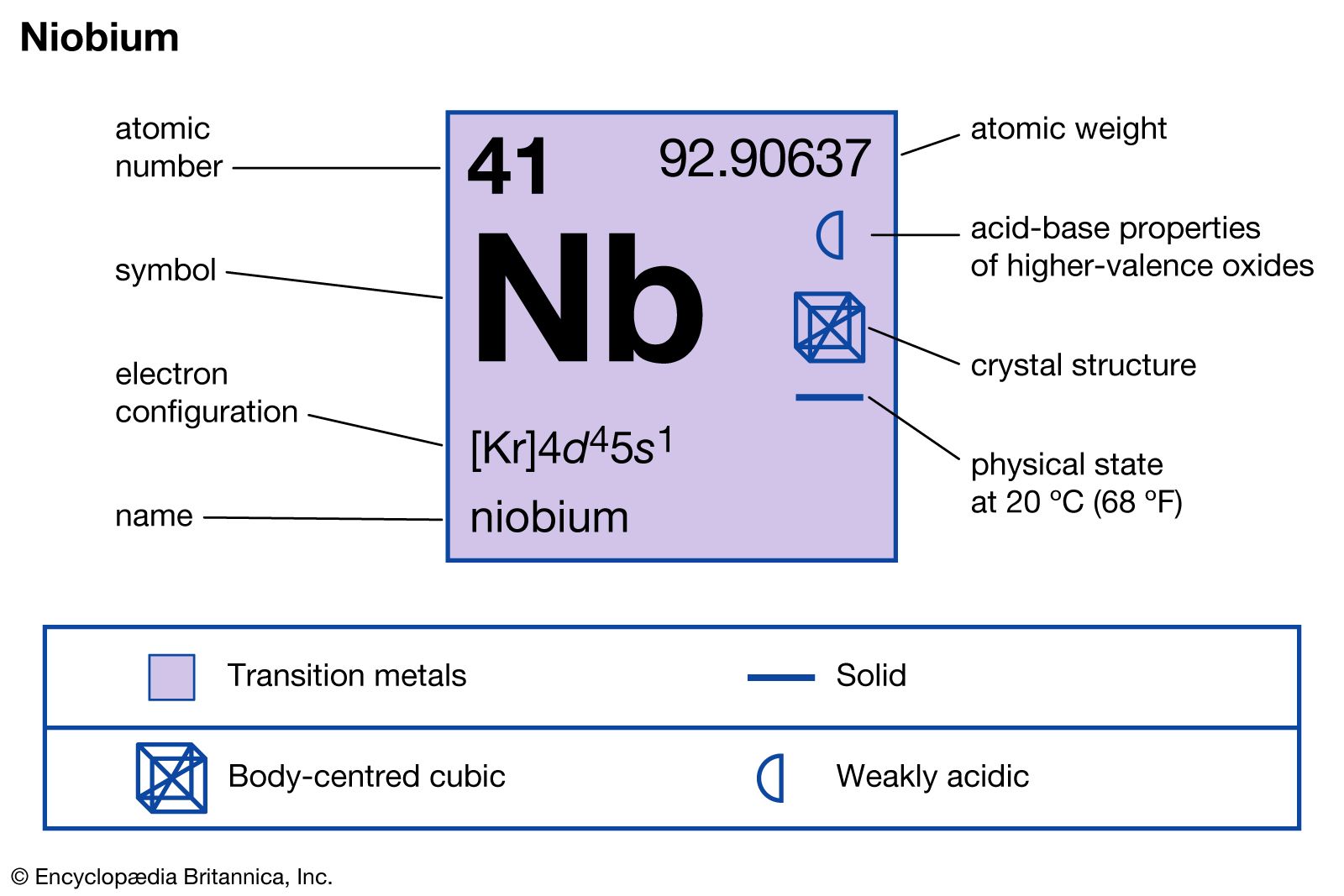
Nb41 is niobium: element 41 on the periodic table. A stealthy gray metal that is absurdly strong, feather-light, and allergic to corrosion. Mostly mined in Brazil and Canada, it moonlights in super-alloys for jet engines and superconducting MRI magnets. It even hides in the capacitors inside your phone and laptop.
This tool was built by an MRI scientist who kept watching a med student named Nadia spend hours manually creating anatomy flashcards. That’s where the backronym comes from: Nadia’s Image Occlusion Booster Is UnManned.
It grew from a quick OCR script into a full pipeline with AI-powered filtering, PDF support, and offline export. The name stuck, and so did the element: niobium is essential to the superconducting magnets inside every MRI scanner.
Niobium is a free, open-source CLI that turns your lecture slides, textbook screenshots, and PDFs into image occlusion flashcards (and more) automatically.
Point it at an image and it detects every label, term, and annotation via OCR. Turn on --smart mode and Claude AI steps in: filtering noise, correcting OCR mistakes, writing study hints, and even generating cloze and basic cards from scratch.
Fully free, no API key needed. EasyOCR finds every label, Niobium turns them into image occlusion flashcards.
Push cards to a live Anki deck via AnkiConnect, or export a portable .apkg without Anki running.
Extract images from lecture PDFs, select specific pages, and turn them into flashcards in one step.
Optional: Claude AI curates OCR results, corrects errors, and adds study hints to your cards.
Optional: Claude sees the full page and generates cloze, basic, and image occlusion cards from scratch.
GPL-3.0 licensed. No accounts, no subscriptions, no lock-in. AI features are optional — bring your own API key.
Works without AI
Niobium’s core features work entirely offline with no API key:
OCR-powered image occlusion: text detection via EasyOCR with bounding box merging
PDF image extraction: pull embedded images from PDFs, optionally selecting specific pages
Live push to Anki: create decks and push notes in real time via AnkiConnect
Offline
.apkgexport: generate importable Anki packages without running AnkiSmart caching: already processed a folder of 50 images? Add 10 more and only the new ones get processed
See Core Workflows to get started.
Optional AI features
Add --smart and an Anthropic API key to unlock:
Smart Filtering: Claude curates OCR results, corrects misread text, and generates study hints
Smart Generation: Claude sees the full content and generates cloze, basic, and image occlusion cards from scratch (
--generatefor images,--pagefor PDFs)
See AI Features Overview for setup, costs, and details.
Navigation
New to Niobium? Start with Installation then Quickstart.
Want to create cards without AI? See Core Workflows.
Want AI-powered cards? Read AI Features Overview.
Looking for a specific flag? See the CLI Reference.
Need to tune OCR behaviour? Check Configuration.
If you find this tool useful, please give the repo a star.